

Study Review
Playback Speed
Adjust cine playback speed between slow review and rapid scanning ranges.
Playback Speed
HeartLab allows users to adjust cine playback speed to support different review and analysis workflows.
Playback speed adjustments can help with:
- Detailed frame-by-frame review
- Motion assessment
- Rapid clip scanning
- Measurement timing evaluation
Playback speed can be adjusted between:
- 0.1× speed
- 2× speed
By default, clips play at their recorded speed (1×).
Adjust Playback Speed
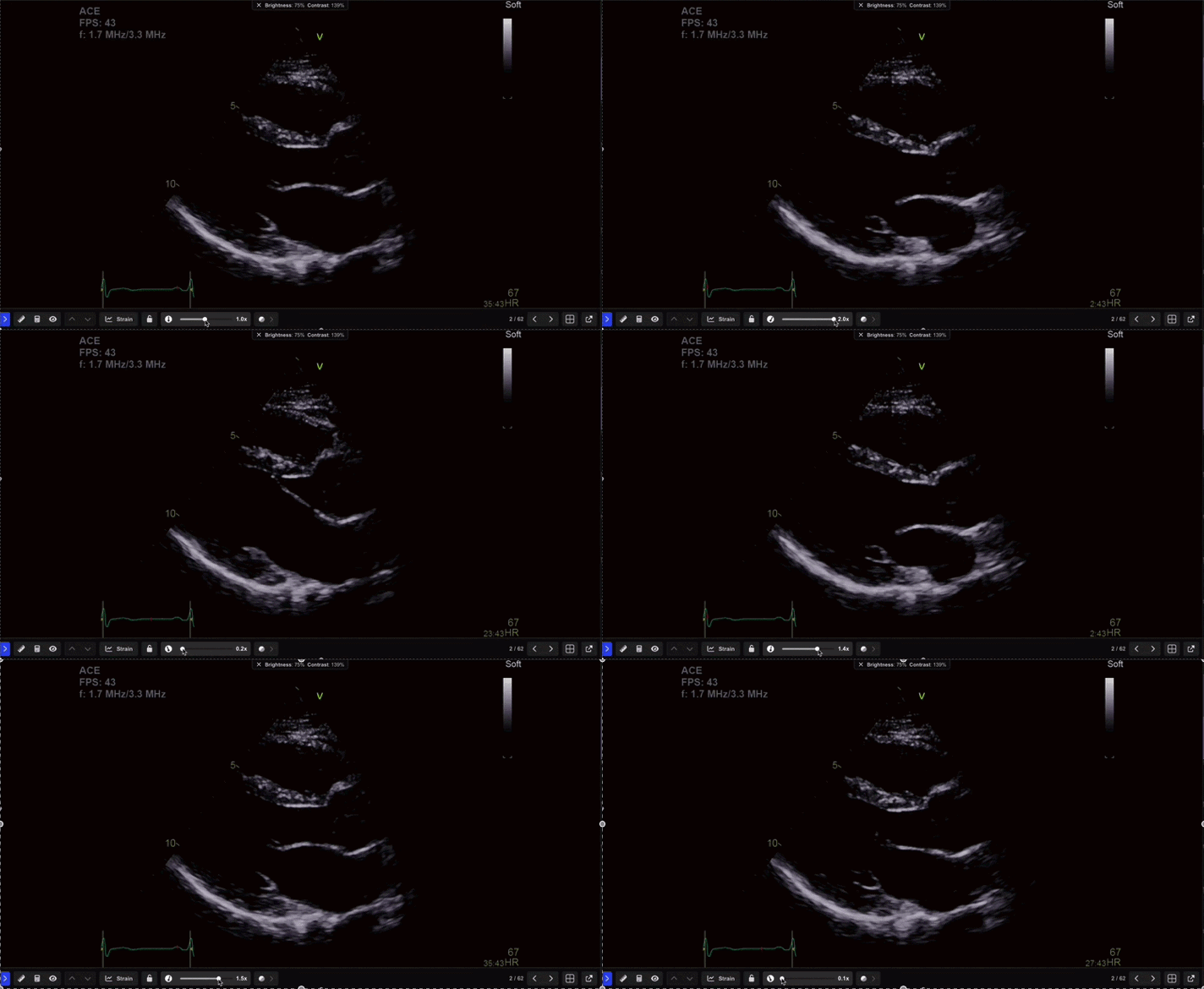
- Open the playback controls within the Study Viewer.
- Select the playback speed control.
- Click and drag the slider to the desired playback speed.
The selected playback speed is applied immediately to the active clip.
Additional Notes
Use slower playback speeds when reviewing fast cardiac motion or identifying precise measurement frames.
Use faster playback speeds when rapidly scanning studies or comparing multiple clips.
 MFR
MFR