

Study Review
Cine Layout
Switch viewer layout between 1, 2, 3, 4, 6, and 9 panel configurations.
Cine Layout
HeartLab allows users to customise the Cine View layout to optimise study review, clip comparison, and measurement workflows.
Layouts can be configured using combinations within a 4x4 viewing grid, supporting:
- Single-clip review
- Side-by-side comparison
- Multi-view study overview workflows
Change the Cine Layout
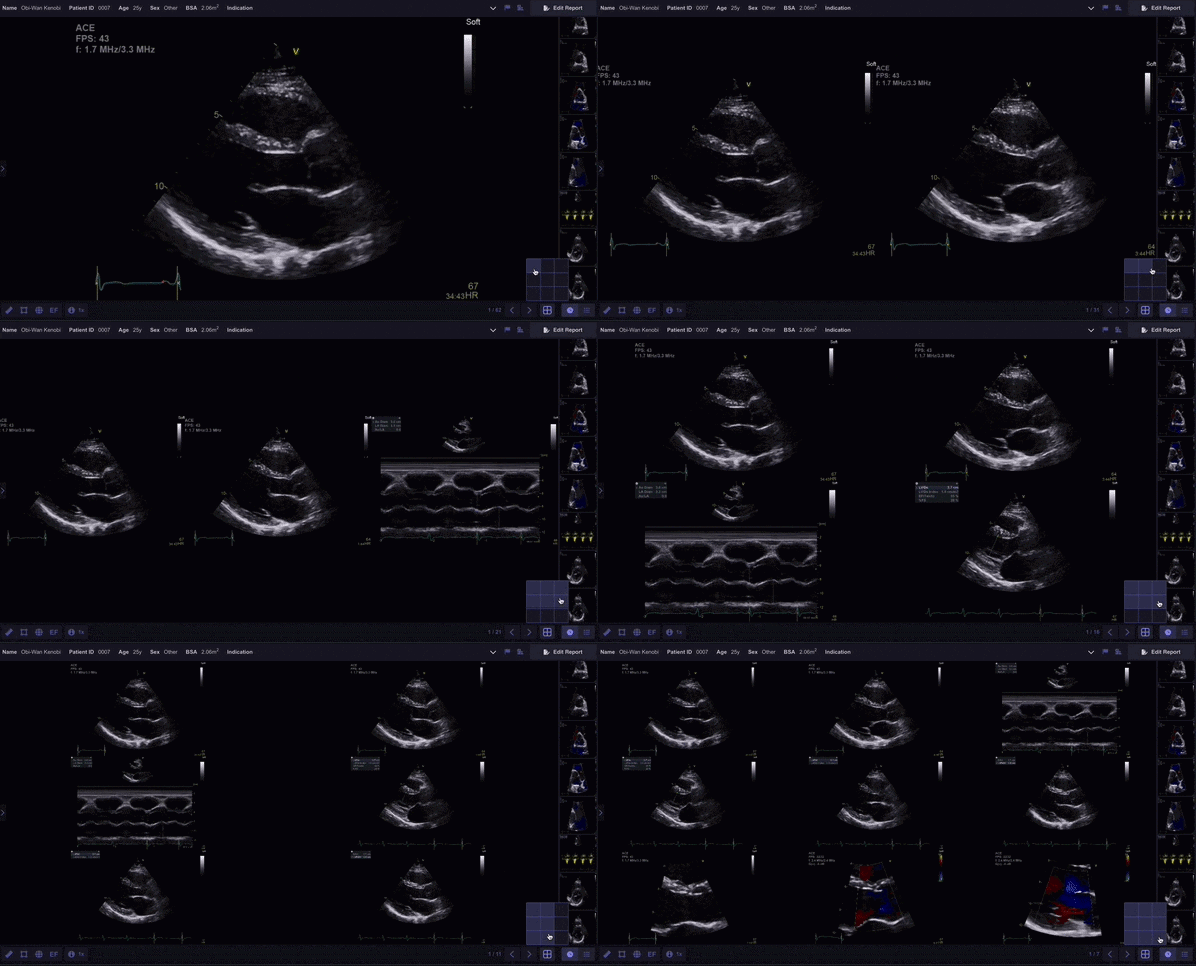
You can change the layout using either method below.
Keyboard Shortcuts
Press:
- 1
- 2
- 3
- 4
- 6
- 8
- 9
to switch directly between layout configurations.
Layout Selector
- Select the Layout Selector from the Cine Toolbar.
- Hover over the desired layout configuration.
- Select the layout to apply it.
The Cine View updates immediately.
Additional Notes
Use single-clip layouts for detailed measurements and larger layouts for comparison across multiple views or study phases.
Each clip within the Cine View can still be independently:
- Played or paused
- Reviewed
- Measured
 MFR
MFR