September 2026
12-Lead ECGs on Reports
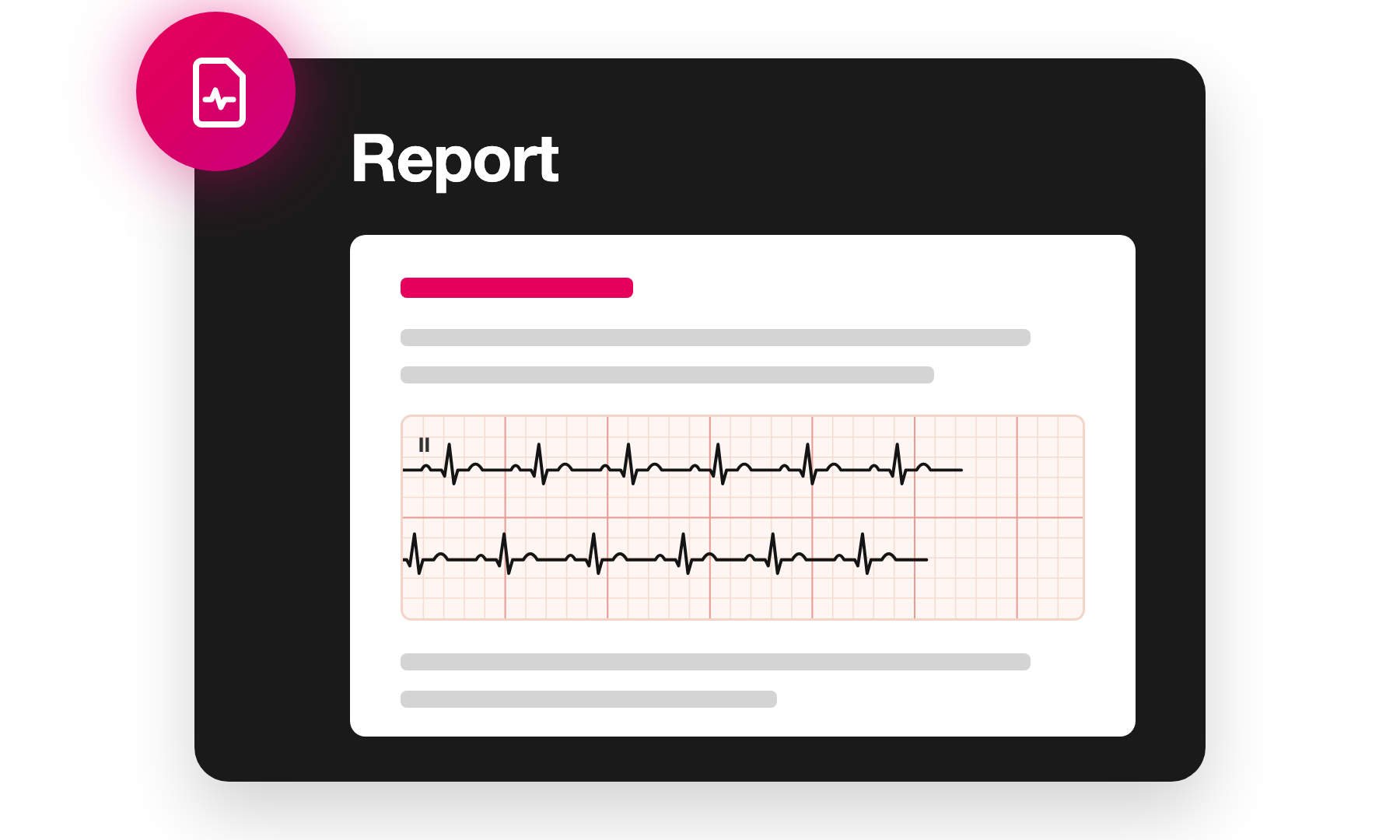
Report templates can now include 12-lead ECG sections, placing the patient's 12-lead ECG tracing directly on the final report so that recipients see it alongside its interpretation.
The 12-lead ECG viewer now also supports displaying multiple stacked rhythm strips, and the Philips ECG XML format has been added as a supported ECG format.
Sentence Library Autocomplete
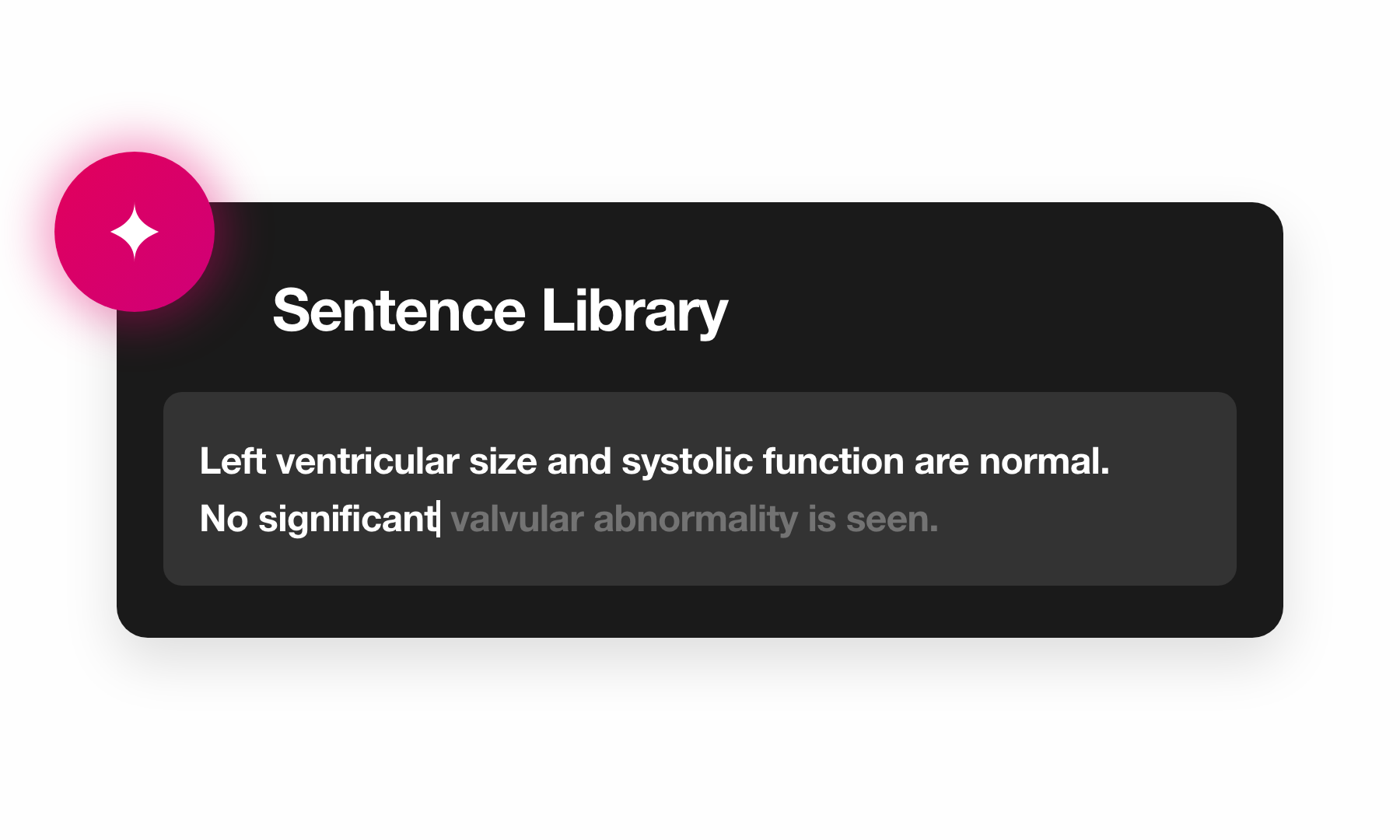
Report text fields now suggest sentences from the sentence library as you type. Matching sentences appear inline, can be moved through with the arrow keys, and are accepted with Tab or Enter, or dismissed with Escape.
CT and MR Viewing Enhancements
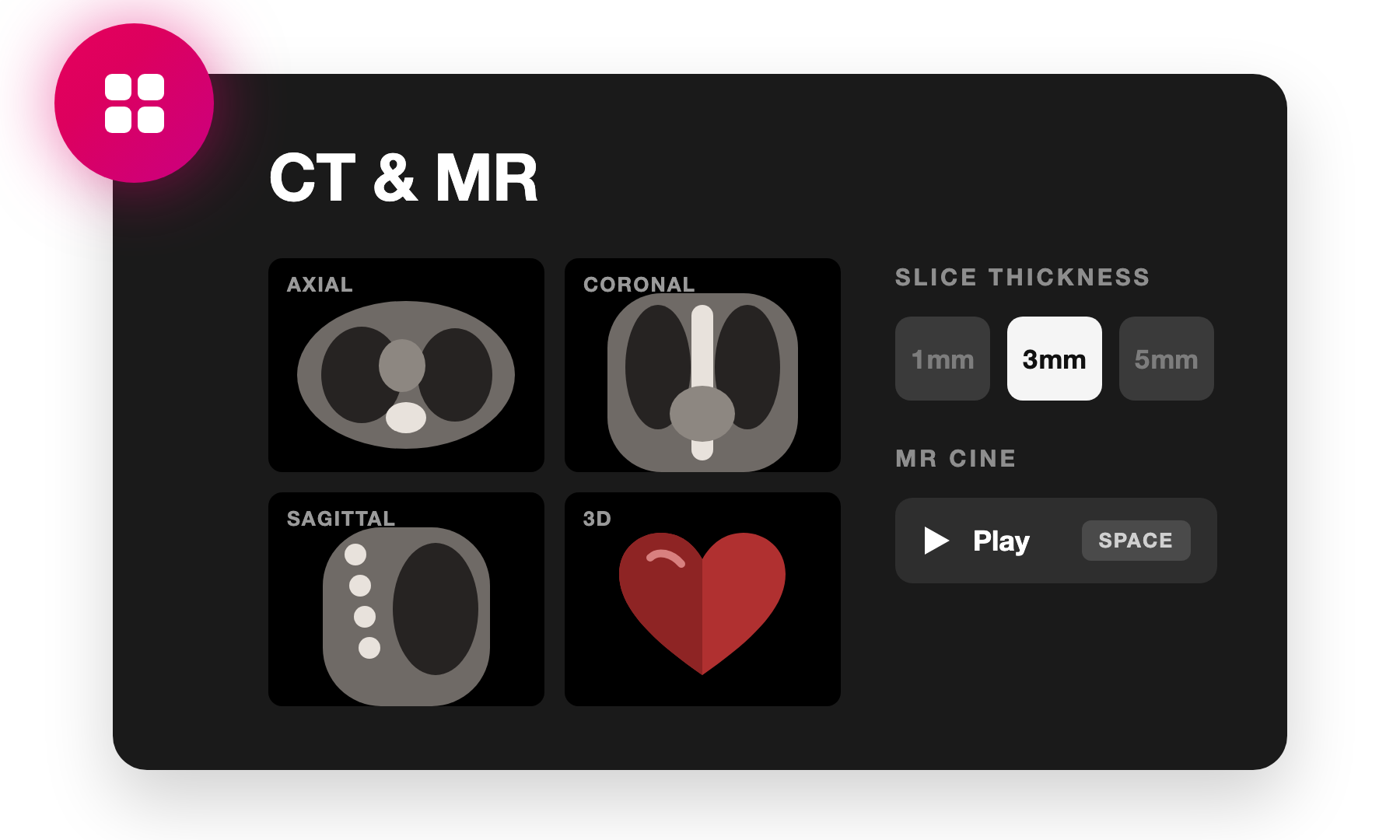
Reviewing CT and MR studies is now more powerful, with a refreshed viewing interface, improved multi-planar reconstruction, and cine playback of MR volumes.
Multi-Planar Reconstruction
MPR mode now shows the axial, coronal, and sagittal planes together in a 2×2 layout that allows another series in the study to be easily viewed alongside the MPR reconstruction. Different windowing, slice thicknesses, and intensity projections can be set on each image when needed, or automatically linked to keep them in sync. The crosshairs have also been refined, and slice thickness presets are now available.
MR Cine Playback
MR volumes that contain multiple temporal positions now play as a cine automatically, with the playback frame rate derived from the underlying acquisition.
Unified Image Controls
Zoom and pan tools are now available on all modalities, including 12-lead ECGs, and mouse controls are now consistent across every modality HeartLab supports.
HealthLink Report Distributions
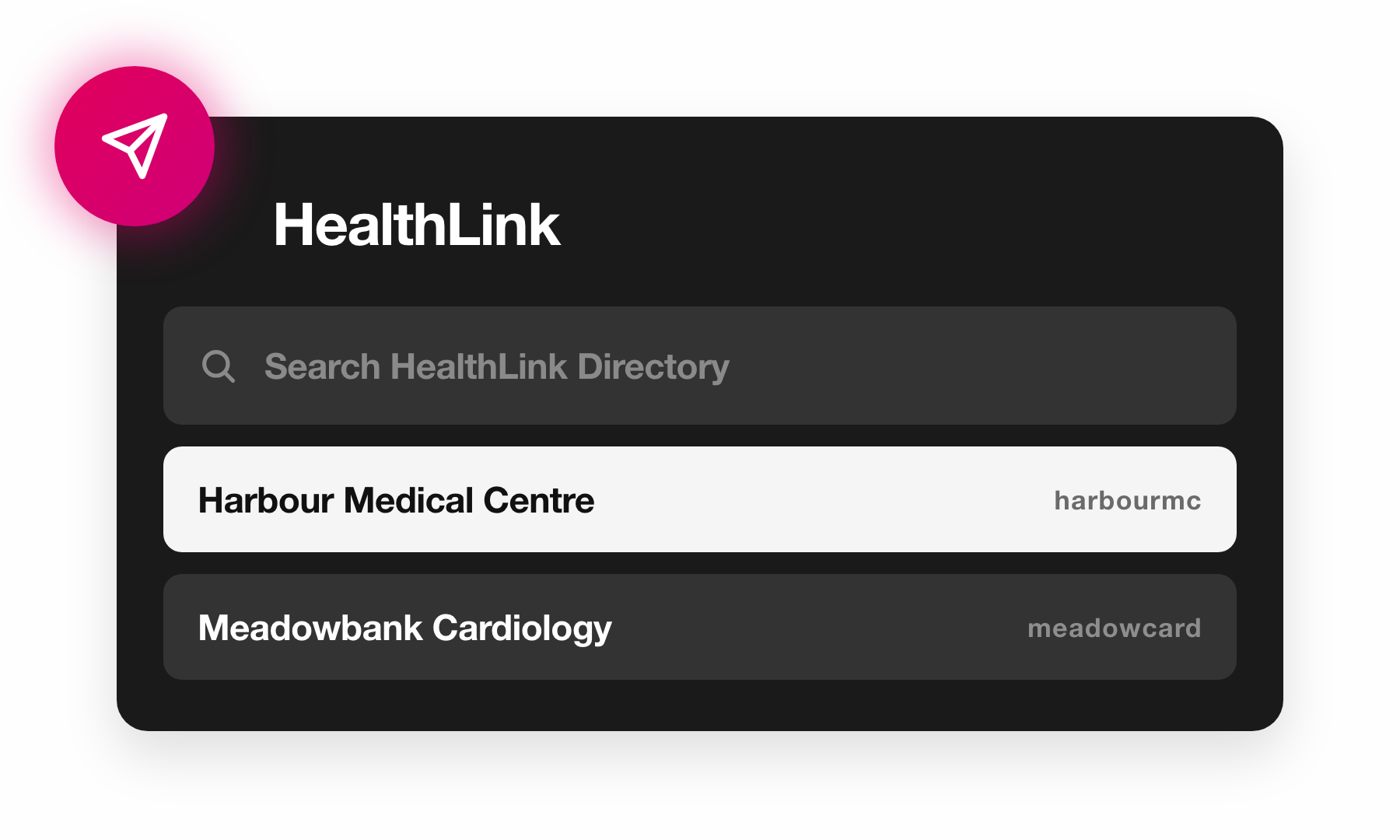
In Australia, HeartLab reports can now be distributed over the HealthLink secure messaging network. Recipients are found by searching the HealthLink Directory directly in HeartLab, and can recieve the report for one specific study or be configured for automatic rules-based report distribution across all reported studies.
Per-message charges apply for HealthLink report distributions. HeartLab also offers a range of zero-cost options for report delivery that are appropriate for many use cases.
Additional Updates
Study Review
- Open Next Unreported Study. After completing a report, HeartLab can now automatically open either the most recent or the oldest study currently awaiting a report, based on your active Study List filters.
- ECG Baseline Filtering. The full-disclosure ECG viewer now applies baseline filtering to suppress baseline wander, making rhythm easier to assess across long recordings. Filtering can be turned off to review the raw signal, and is off by default when viewing a 12-lead ECG in the full-disclosure viewer.
- Set Clinical Location When Uploading. The clinical location to record against uploaded DICOMs can now be chosen as part of the upload, rather than being set manually once the upload is complete.
- CSV Export Follows Study List Filters. The Study List CSV export now exports exactly the studies that the active Study List filters show, and includes the clinical location name and the number of days from the study date to its final report.
- Compare ECGs. 12-lead and full-disclosure ECGs can now be viewed in the study comparison dialog, and the study selector in the dialog now shows each study's type alongside its date.
- Required Fields When Creating Studies. The fields that must be filled in when manually creating a study can now be configured under Settings → Studies → Advanced, allowing fields such as study type, location, and participants to be made mandatory.
- View DICOM Data Set. The complete data set for a DICOM can now be inspected directly by right-clicking its preview thumbnail.
Reporting
- Reject Preliminary Reports. An approved preliminary report can now be rejected by a user with permission to finalise it. A reason must be given, which is recorded in the study's internal notes, and the study shows a Preliminary rejected status on the Study List until the rejection is reversed or a newer report is created.
- Report Template Publication History. The history of every published version of a report template can now be reviewed, and administrators can restore prior versions when required.
- Copy Sections Between Templates. Report template sections can now be copied to the clipboard and pasted into another report template, making it faster to reuse existing configurations when building out templates.
- Configurable PDF Attachment Name. The name of the report PDF file attached to email report distributions can now be configured.
- Multiple Values in Measurement Fields. A measurement field on a report can now be configured to show both the unindexed and the indexed value of a measurement, for example
100 mL (53 mL/m²). - View Reports Without Study Access. The "Study Report - View" permission no longer requires the "Studies - View" permission, so users can be given access to view reports from the Study List without being able to open studies.
- RTF Version of Reports in HL7. HL7 messages can now include an RTF document containing an image of each page of the report, for receiving systems that require RTF rather than PDF.
Measurements
- Cardiac Stress Test Measurements. Cardiac stress test measurements are now parsed automatically out of Mortara XScribe, Philips ST80, and Norav PDFs. These cardiac stress test measurements then flow automatically to your report, avoiding manual data entry.
- VINNO Measurements. Echocardiography measurements are now mapped for structured reports from VINNO machines.
- PAEDP Measurement. Pulmonary artery end-diastolic pressure is available as a new measurement, along with a calculation for deriving it.
- Bullet Method LV Volumes. LV short-axis areas and major axis lengths are available as new measurements, along with LVEDV, LVESV, and LVEF measurements and calculations using the Bullet method. These are mapped automatically from GE structured reports.
- Abdominal Aorta and Renal Artery Measurements. Proximal and mid abdominal aorta PSV, EDV, and RI are available as new measurements, and these along with the existing renal artery doppler measurements are now mapped from Mindray structured reports.
Integrations
- DICOM Worklists Through the HeartLab Agent. DICOM Forwarding through the HeartLab Agent now supports all DICOM requests, including Modality Worklist and Query/Retrieve. The Connect Device dialog now offers HeartLab Agent as a connection method that shows the agent's connection details and status.
- HL7 Through the HeartLab Agent. HL7 messages can now be both sent and received through the HeartLab Agent. This allows HL7-based integration with on-premise systems where exposing an MLLP endpoint or running a VPN isn't possible.
- Cliniko EMR Integration. HeartLab now integrates directly with the Cliniko EMR for report distribution and DICOM modality worklists.
- Improved DICOM Query and Retrieve. DICOM C-MOVE and C-GET requests now return DICOM data sets that reflect all edits made in HeartLab, and C-FIND responses include additional data elements.
- Cancel Worklist Entries via HL7. Inbound HL7 messages can now remove entries from the DICOM Modality Worklist.
Need Help?
If you require any assistance with setup or using these new features, please contact HeartLab Support.
Forgot Password
Reset your password from the login page or ask an administrator to trigger a password reset.
August 2026
This release brings ECG review into HeartLab, makes email notifications more configurable, adds 3D reconstructions of CT volumes, and extends report distribution capabilities, alongside a range of other improvements.
 MFR
MFR