

Getting Started
Email Notifications
Turn assignment email notifications on or off in your account settings.
Email Notifications
HeartLab can send email notifications when studies are assigned to you.
These notifications help users stay informed about new assignments without continuously monitoring the Study List, supporting more efficient workflow management and timely report turnaround.
Applies to
- All users
Toggle Email Notifications
- Click your profile name in the top-right corner and select Settings.
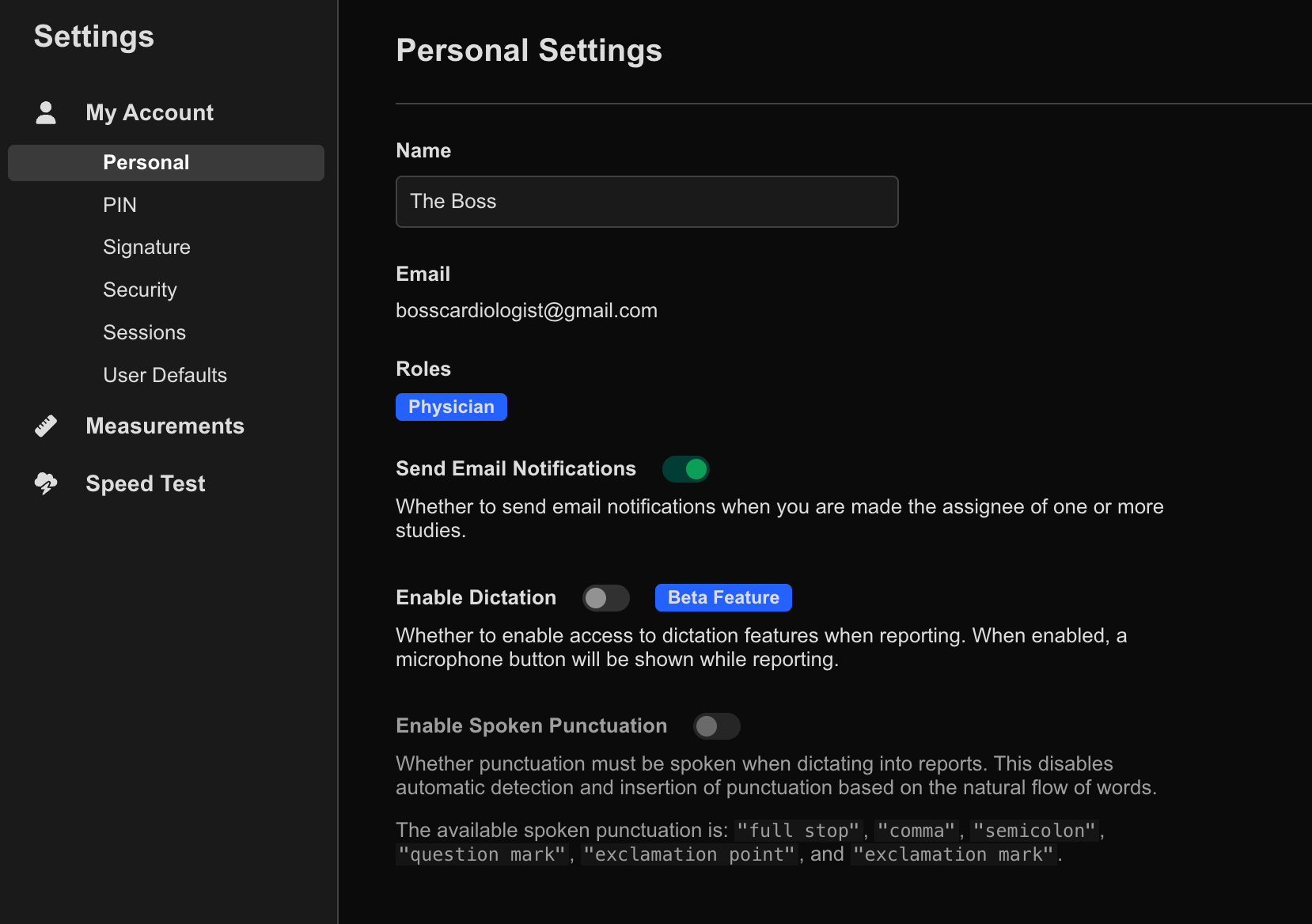
- Navigate to My Account → Personal.
- Locate Send Email Notifications.
- Toggle the setting on or off according to your preference.
Changes are applied automatically.
Email notifications are particularly useful for users involved in shared reporting workflows or remote review environments.